 Back to Blog
 IKEA Smart Home 2-week Review: Cheap, Reliable… But Limited?
I’ve been testing IKEA’s new smart home lineup for two full weeks. And I found something nobody’s really talking about.
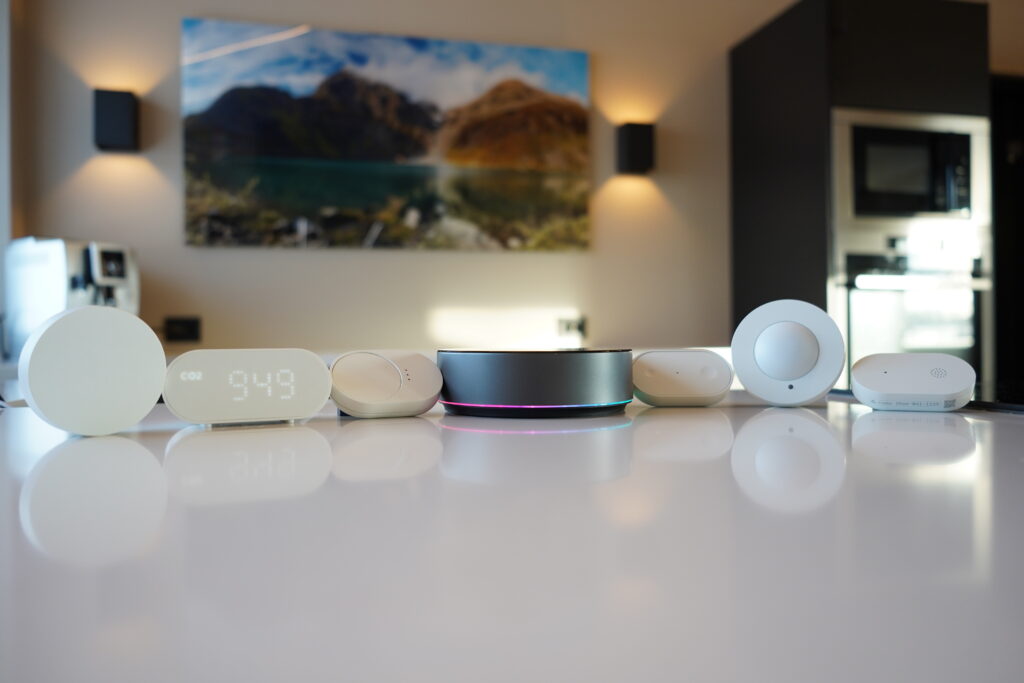
These $10 sensors performed almost identically to $40 competitors.
- No disconnects.
- Same response times.
- Same accuracy.
So why does everyone else cost four times as much? It sounds like an easy win for IKEA.
Well, this needs a second thought.
Actually, there’s one major limitation that might be a deal breaker for some of you. And weirdly… it might also be the smartest decision IKEA made.
This is the promised two‑week follow‑up.
Everything in this review was tested using only the IKEA DIRIGERA hub and the IKEA Home Smart app.
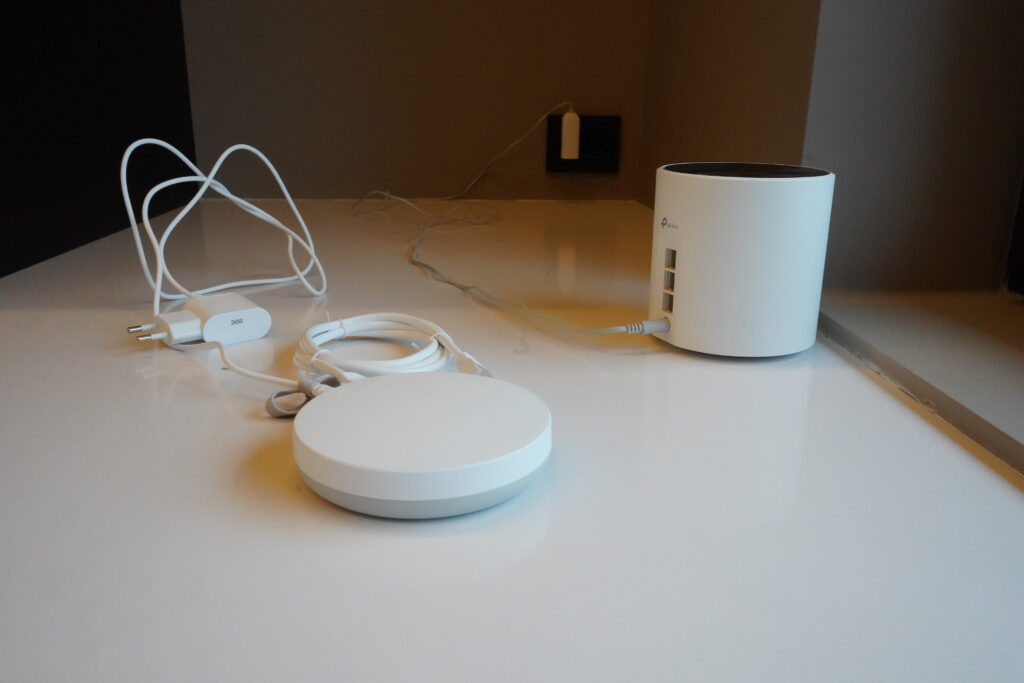
No Homey, no Home Assistant, no Apple, Google, or Alexa integrations yet. That’s coming next.
Two Weeks Later: Reliability Test
Let’s start with the thing that matters most: reliability.
After two weeks of daily use, zero devices have disconnected. If you’ve ever used cheap smart home gear, you know how unusual that is.
Normally, it goes like this: It works for two days. Then something drops offline. You reset it.
You move it closer to the hub. You question your life choices at 2 a.m.
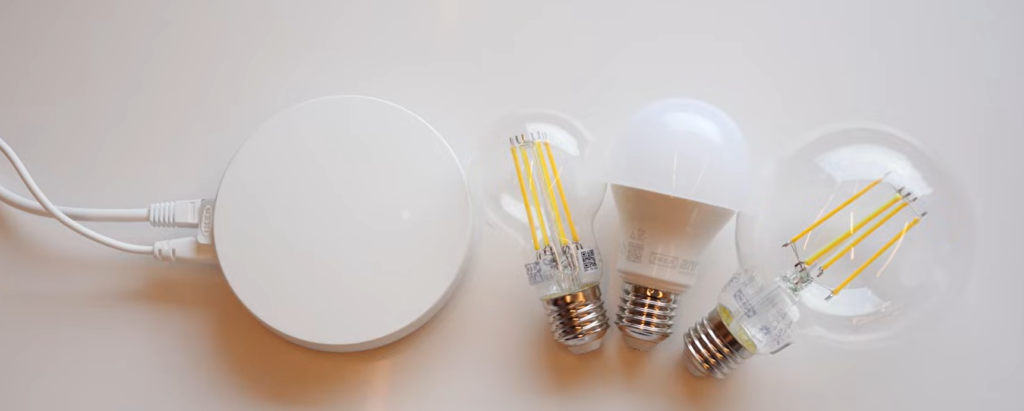
That hasn’t happened with IKEA. All three Kajplats bulbs stayed connected. The motion sensor, temperature sensor, door sensor, and leak sensor all remained paired. Automations continued running. The system is stable. And stability is table stakes.
Sensor Accuracy: Fridge Test Included
I compared the IKEA TIMMERFLOTTE temperature sensor and the ALPSTUGA air quality sensor against an Aqara T1 sensor that I’ve previously calibrated.
Room temperature test:
| Temperature Sensor | Temperature |
| TIMMERFLOTTE | 23°C |
| ALPSTUGA | 23°C |
| Aqara T1 | 22.8°C |
That’s a very tight match. But warm rooms are easy. So I did what any completely normal person would do. I put all of them in my fridge (Yes, really).
A few minutes later:
| IKEA | 9.5°C |
| Aqara | 9.5°C |
Perfect match.
These aren’t “good for the price” accurate. They’re just accurate.
Sensor History and Data Tracking
A lot of you asked whether the IKEA app shows historical data.
The answer is: Yes. Once you’re signed in, have your DIRIGERA hub connected, and enable remote access, you’ll get proper history graphs for supported sensors.
You can view trends over days, weeks, and even months. But it’s not deep analytics.
If you want long‑term exports, advanced dashboards, or to combine dozens of sensors into complex data views, you’ll still want something like:
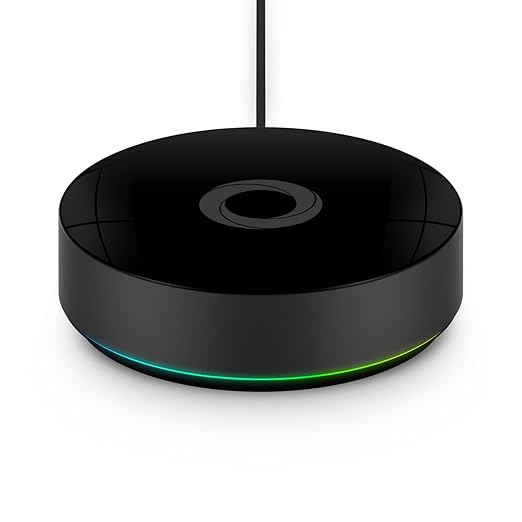
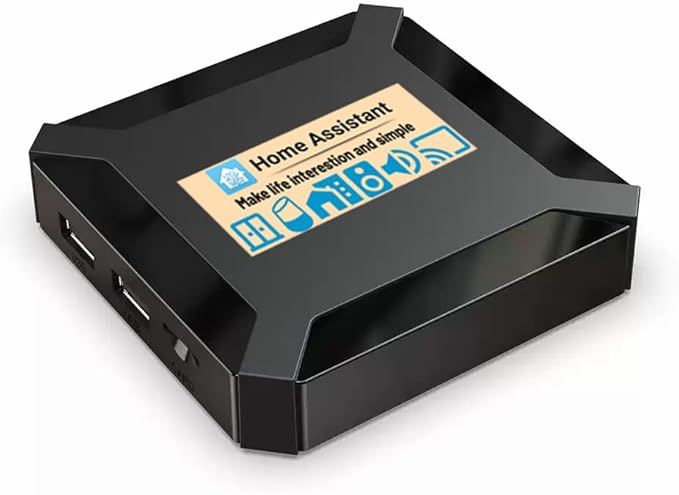
The IKEA app is built for clarity, not data science.
Motion Sensor Response Time
Accuracy doesn’t matter if the sensor reacts slowly. I mounted the IKEA motion sensor next to an Aqara Motion Sensor P1.
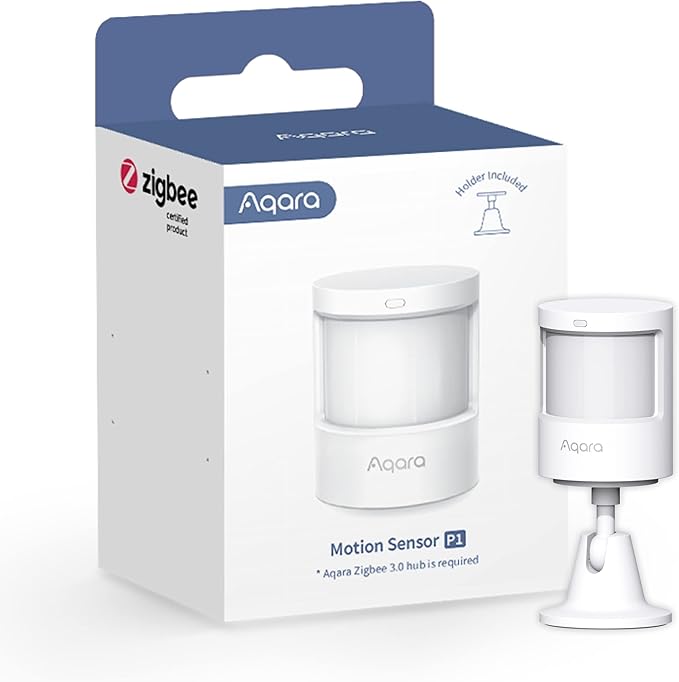
Same placement. Same lighting. Same test.
Walk into the room. Lights on instantly. The IKEA sensor kept up with the Aqara every single time. Ten dollars versus roughly twenty. No noticeable difference in response.
Battery Life: Big Upgrade
Two weeks in, the motion and door sensors are still at 100% battery. Two weeks isn’t enough to predict long‑term life. But IKEA estimates around 2–3 years.
The important upgrade? These use AAA batteries instead of coin cells. That means:
- Easier to replace
- Cheaper
- Available everywhere
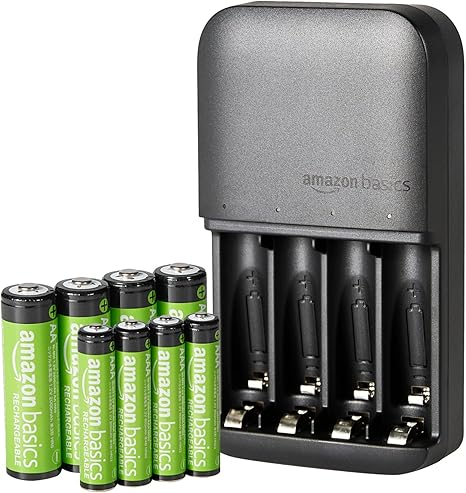
If you want a solid rechargeable setup, something like Quality AAA rechargeables + charger makes long‑term ownership even cheaper.
Where the IKEA App Feels Limited
Now we get to the controversial part. Basic control is excellent.
- Lights on/off
- Dimming
- Color temperature
- Scenes
- Motion triggers
It’s clean, responsive, and intuitive. For probably 70% of people, that’s enough.
Where things start to feel limited is when you move beyond the basics.
IKEA does include Adaptive Lighting, which automatically adjusts brightness and color temperature throughout the day. So you can absolutely have warmer, dimmer lighting at night and brighter, cooler light during the day without building separate automations.
For a lot of people, that already solves the “don’t blind me at 2 AM” problem.
But the limitations show up when you want more complex logic.
You still can’t easily build layered automations like:
- “If motion is detected AND it’s between 10 PM and 6 AM AND someone is home, then turn the lights to 20%.”
- Combine multiple sensors into a single conditional flow.
- Use proper geofencing or presence-based triggers inside the IKEA app.
Adaptive Lighting handles day–night shifts nicely. What it doesn’t do is give you full control over multi-condition, advanced automation logic. And that’s the line IKEA draws.
Same Hardware. Different Brain.
I paired the exact same IKEA devices to Homey Pro. Same sensors. Same bulbs.
Suddenly you get:
- Multiple conditions
- Time‑based variations
- Cross‑device logic
- Advanced triggers
Same $10 hardware. Different brain. And that’s the point. IKEA built reliable hardware on Matter over Thread. If you want simple control, use their hub.
If you want serious automation power, use:
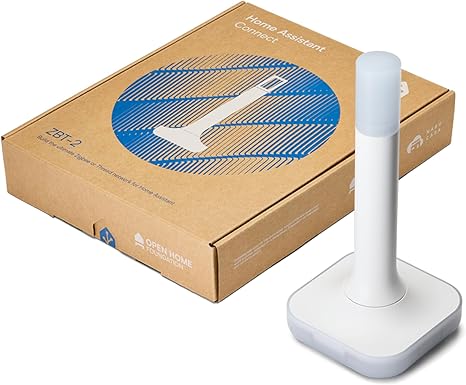
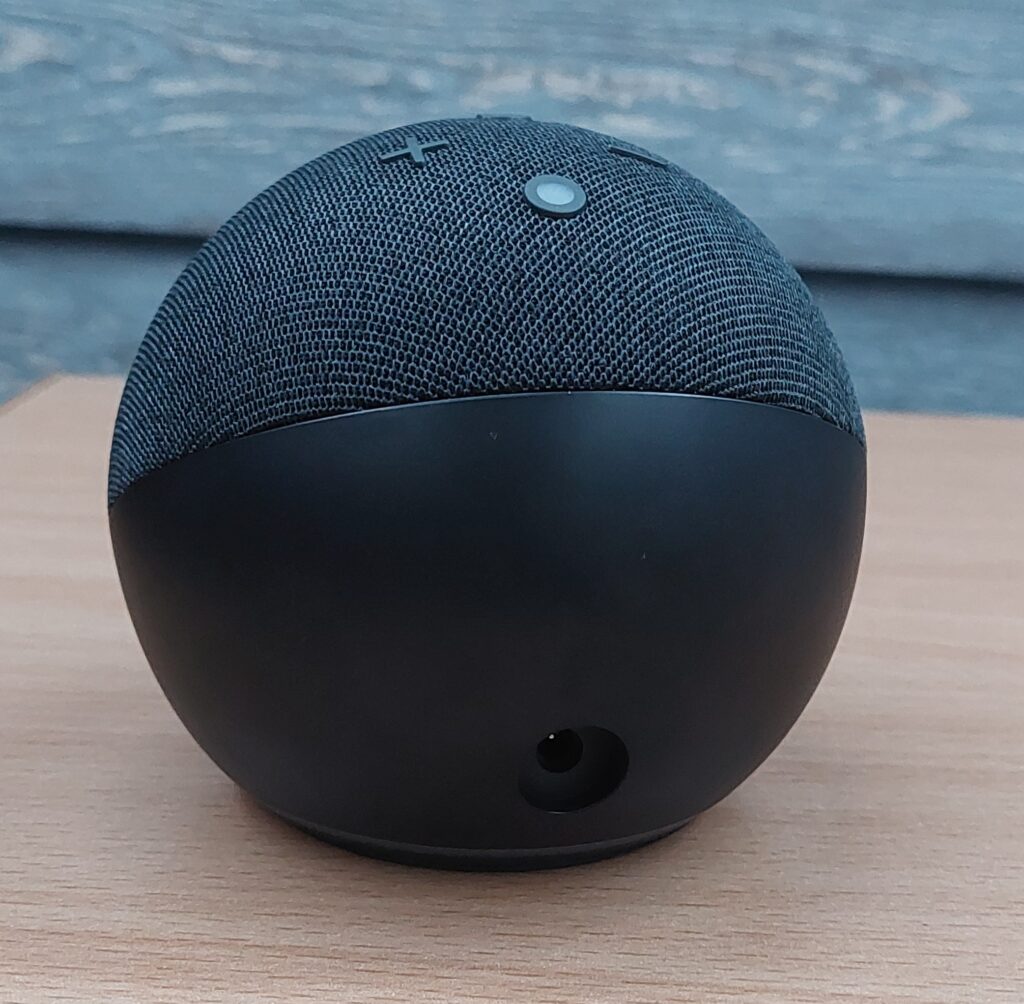
You’re not locked in. That’s either genius or frustrating, depending on your expectations.
After two weeks? I think it’s genius.
IKEA vs Philips Hue: The Real Comparison
Let’s put this side by side.
| Feature | IKEA Motion Sensor | Philips Hue Motion Sensor |
| Price (approx.) | $10 | $40 |
| Protocol | Matter over Thread | Zigbee (via Hue Bridge) |
| Requires Brand Hub? | DIRIGERA (optional if using other Matter hub) | Yes – Hue Bridge required |
| Works Across Platforms | Yes (native Matter support) | Yes, but through Hue Bridge |
| Response Time | Instant in testing | Instant in testing |
| Battery Type | AAA batteries | AAA batteries |
| Battery Life (claimed) | ~2–3 years | ~2–3 years |
| Ecosystem Lock‑In | No | Yes (Hue ecosystem) |
| Advanced Automations | Depends on hub you use | Limited to Hue system unless integrated externally |
As you see, both the IKEA motion sensor and the Philips Hue Motion Sensor are reliable. But Hue requires the Hue Bridge. Everything runs through Philips’ ecosystem.
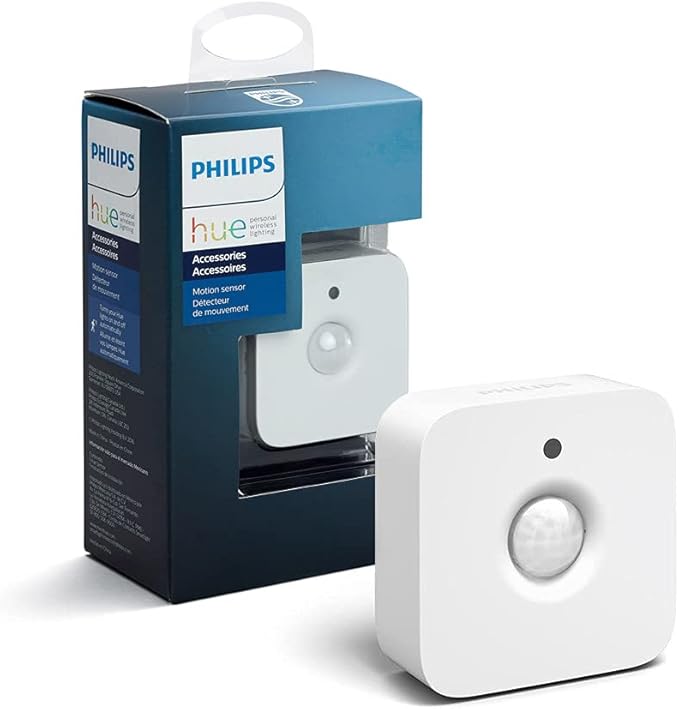
The IKEA sensor runs on open Matter over Thread. You can move it between platforms. That’s a freedom difference.
If you need five motion sensors:
| Brand | Price of 5 Sensors |
| IKEA | ~$50 |
| Philips Hue | ~$200 |
And in an advanced hub, they can perform the same core job.
Range and Mesh Behavior
Because IKEA’s new devices run on Matter over Thread, powered devices like bulbs help extend the Thread mesh network. That means every always-powered device strengthens the network for battery-powered sensors. With a few bulbs placed around the house, stability improves noticeably. If you only buy one hub and one battery sensor and place them at opposite ends of a large house, you’ll likely hit range limits.
In my testing, I noticed some delay with the BILRESA remote at around 8–9 meters with a wall in between. Once I added more powered Thread devices, the delays disappeared, and the network felt much more solid.
Final Verdict After Two Weeks
What I love:
- Aggressive pricing
- Reliable connections
- Fast response times
- Strong battery performance
- Clean app design
- Open Matter compatibility
What I don’t love:
- No advanced conditional automations
- No presence detection or geofencing
- Limited cross‑brand automation inside the IKEA app
If you want a simple, affordable smart home that just works, this is one of the best entry points right now. If you want complex logic, advanced flows, and deep automation, give the same hardware a more powerful brain.
That’s exactly what I’m testing next.
Because the real question isn’t whether cheap can be good. The real question is what happens when you combine cheap, reliable hardware with professional automation software.
That’s coming next.
Similar Articles