 Back to Blog
 IKEA’s New Ultra‑cheap Smart Home Gear: Unboxing, Setup, And First Impressions
IKEA just dropped 21 new smart home products, and the prices are borderline ridiculous. We’re talking $6 smart bulbs, $10 motion and climate sensors, and a full set of sensors that would normally cost three to four times more from brands like Philips Hue or Aqara.
I wondered, “What’s the catch?”
So I bought everything IKEA currently sells in this new lineup. No sponsorships, no affiliate links, no freebies.
Here’s what I found after unboxing, setting everything up, and living with the system long enough to get a real first impression.
Why I Even Bothered Testing This
To be clear, I didn’t need new smart home gear.
I already have a full setup with Zigbee, Matter, and Z‑Wave, spread across multiple platforms. I know how smart homes behave when things are done right, and when they’re done cheaply.
But when IKEA announced these prices, something felt different. Historically, cheap smart home products fail in one of three ways:
- Terrible build quality
- Garbage software
- Locked‑down ecosystems that don’t play well with anything else
IKEA’s older TRÅDFRI system struggled with that third problem. It used Zigbee and technically worked, but you were basically forced into IKEA’s ecosystem. Integrations were possible, but messy.
Everything I Bought (And How Much It Costs)
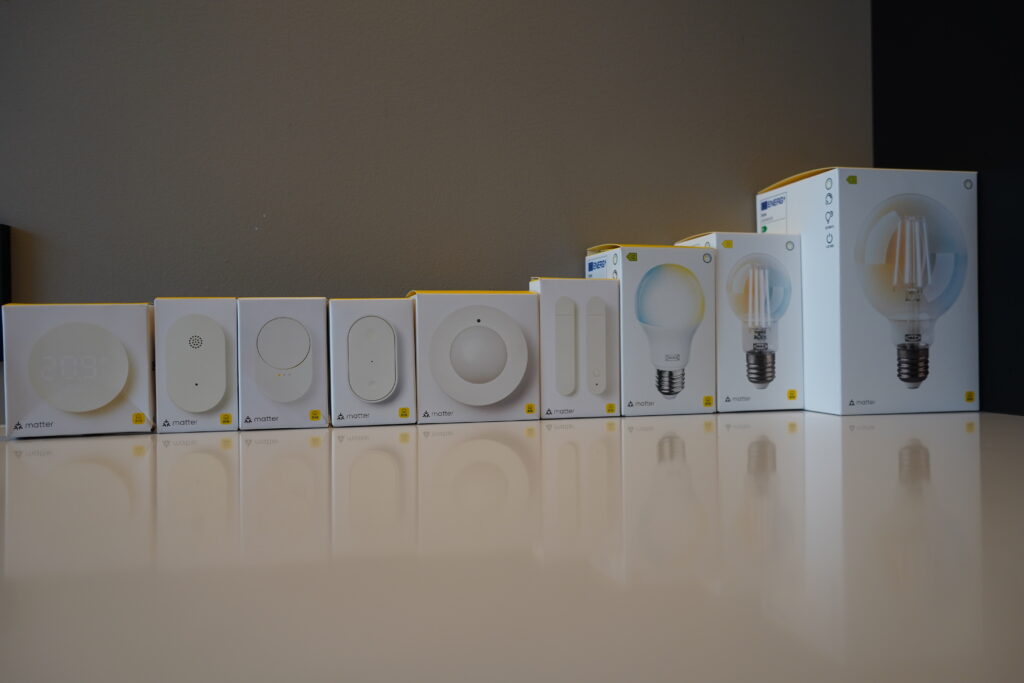
I picked up every new device IKEA currently has available. Here’s the full breakdown.
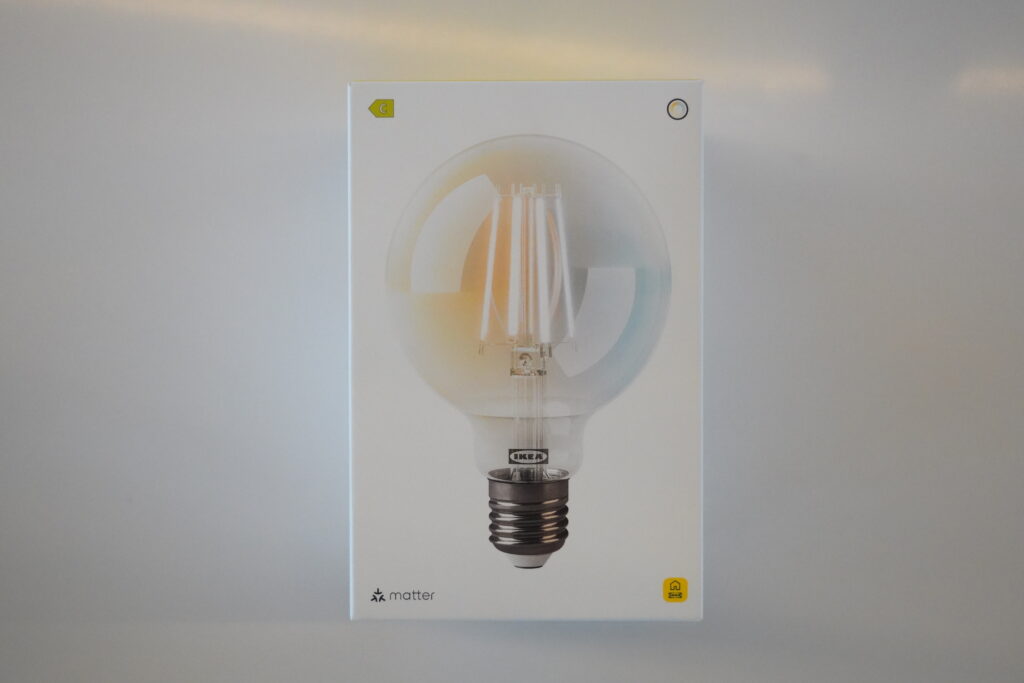
Smart Bulbs (KAJPLATS)
What You Get
| ITEM | PRICE |
| IKEA Smart bulb (470 lumens) | $6 |
| IKEA Smart bulb (806 lumens) | $10 |
| IKEA Smart bulb (1521 lumens) | $13 |
All of them support wireless dimming and full white‑spectrum control. At these prices, they’re competing with no‑name Amazon bulbs, except these are Matter‑compatible and from IKEA.
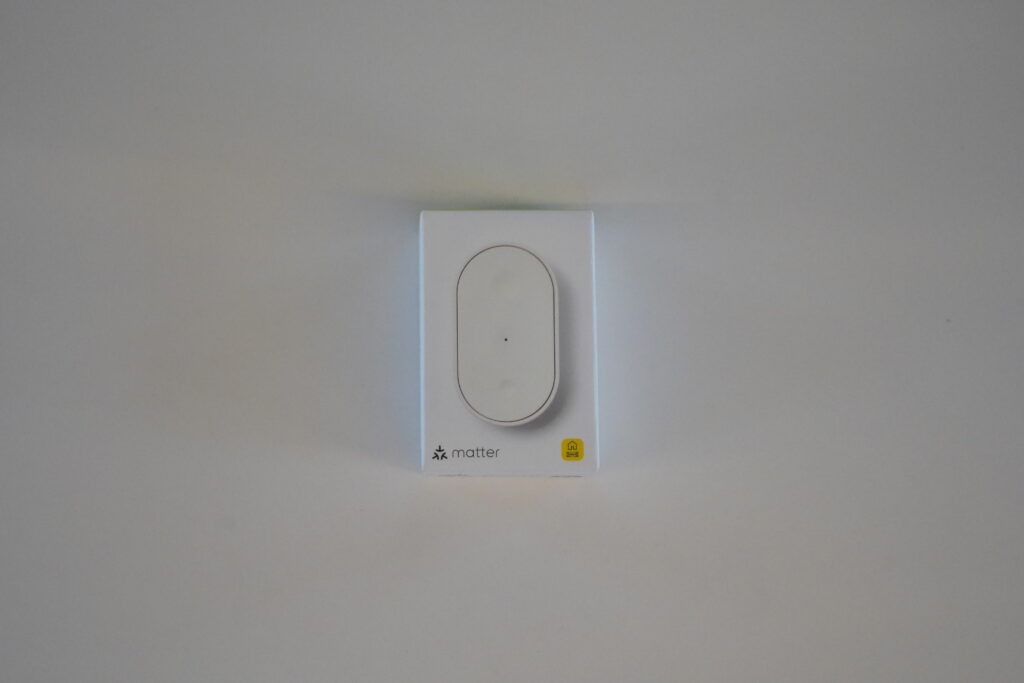
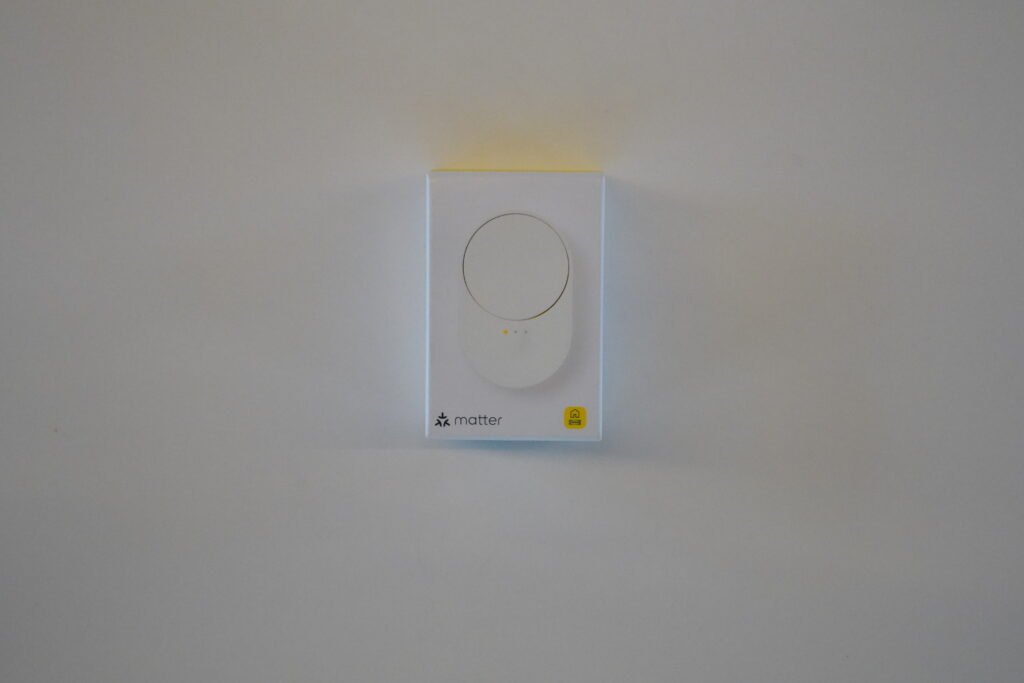
Remotes (BILRESA)
What You Get
| ITEM | PRICE |
| Dual-button remote | $8 |
| Scroll‑wheel remote | $9 |
They come with magnetic backing, wall mounts, and can control up to three lighting scenes.
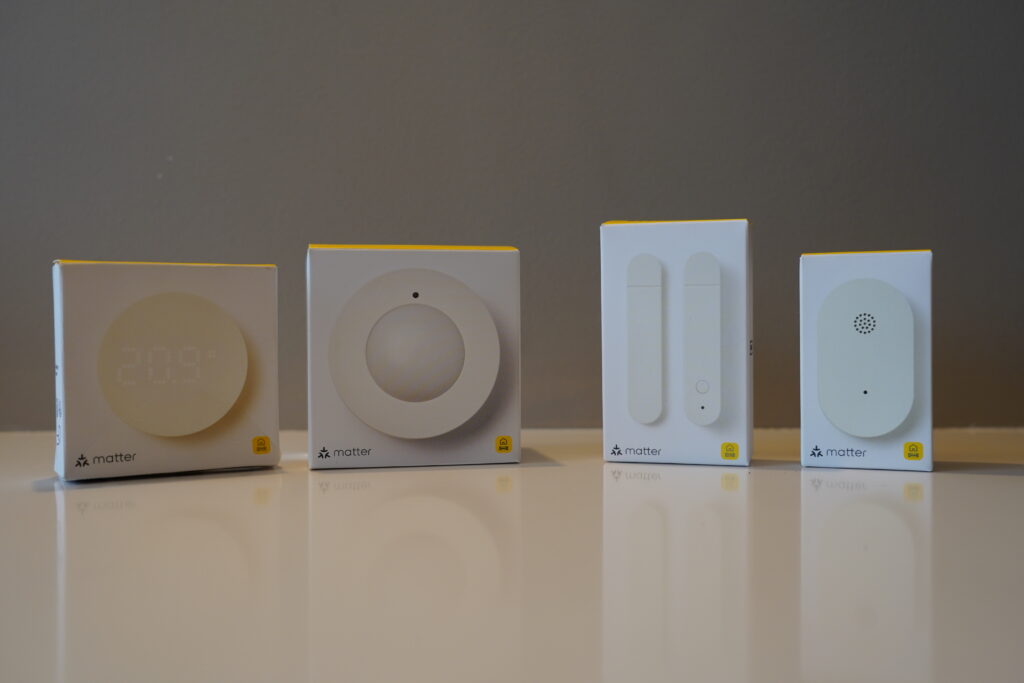
Sensors (This Is Where It Gets Interesting)
What You Get
| ITEM | PRICE |
| MYGGSPRAY motion sensor | $10 |
| TIMMERFLOTTE temperature and humidity sensor | $10 |
| MYGGBETT door and window sensor | $8 |
| KLIPPBOK water leak detector | $10 |
| ALPSTUGA air quality sensor | $30 |
A quick note: The air quality sensor does not include a USB‑C cable or wall adapter, so you’ll need to supply your own.
All in, I spent around $100. To put that in perspective, a comparable sensor setup from Philips Hue or Aqara would land somewhere between $300 and $400. Of course, the price gap is aggressive.
These devices work natively with:
- Apple HomeKit
- Google Home
- Amazon Alexa
- Samsung SmartThings
- Home Assistant
- Homey
No bridges. No hacks. No waiting for someone to build a custom integration. They just work. This alone puts IKEA in a completely different category than their old TRÅDFRI lineup.
Unboxing and Build Quality
The packaging is exactly what you’d expect from IKEA. Minimal, clean, recyclable. No plastic clamshells that require scissors, knives, and patience. Every box includes a QR code for pairing, and the same code is printed on the device itself, which is a small but thoughtful touch.
- Bulbs feel solid
- Remotes have real weight and strong magnets
- Sensors feel durable, not toy‑like
Sensors That Punch Above Their Price
A few of these sensors genuinely surprised me.
Motion Sensor: The MYGGSPRAY motion sensor is IP67 rated. That means it’s fully sealed against dust and water. You can mount it outdoors in the rain for ten dollars. Most outdoor‑rated motion sensors start closer to $30.
Temperature and Humidity Sensor: Press the button once, and it shows the temperature. Press again, and it cycles to humidity. No app required, just to answer, “Why does this room feel awful?”
Water Leak Sensor: It’s a tiny disc. Toss it under a sink or next to a washing machine. If it detects water, it screams locally and sends a phone notification. Ten dollars is cheap insurance against a flooded basement.
The DIRIGERA Hub: The Brain of the System
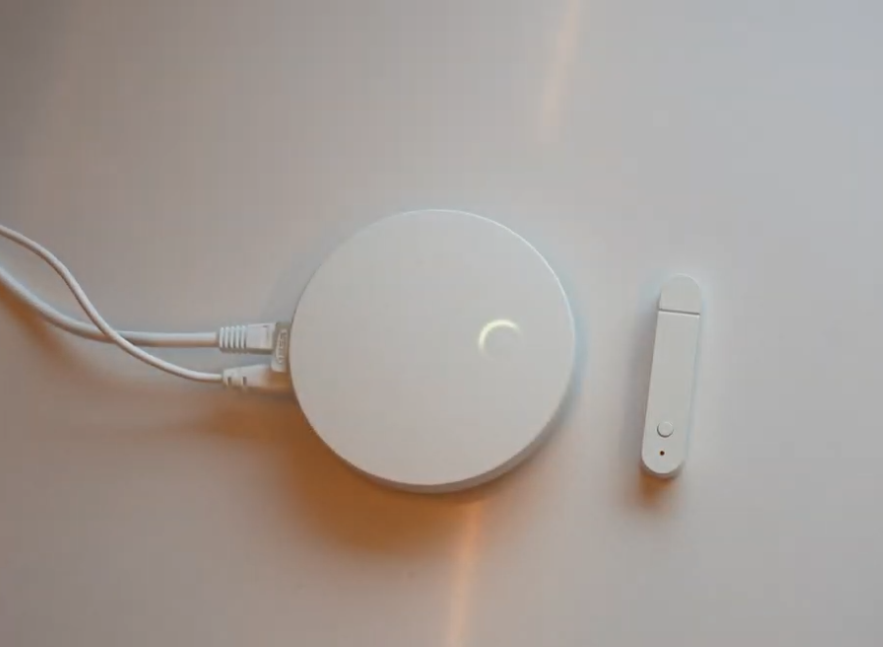
This entire setup runs through IKEA’s DIRIGERA hub. Physically, it’s a small white cube, roughly router‑sized, with power and ethernet. But what matters is what it does.
The DIRIGERA hub matters because:
- Full Matter controller
- Built‑in Thread border router
- Supports non‑IKEA Matter devices
- Bridges older IKEA TRÅDFRI Zigbee products
If you already own IKEA smart gear, you don’t have to throw it away. The hub translates between old Zigbee devices and the new Matter ecosystem.
Price: $109 in the US and around $70 in Europe
Setup Experience (And the Problems I Hit)
Hub Setup
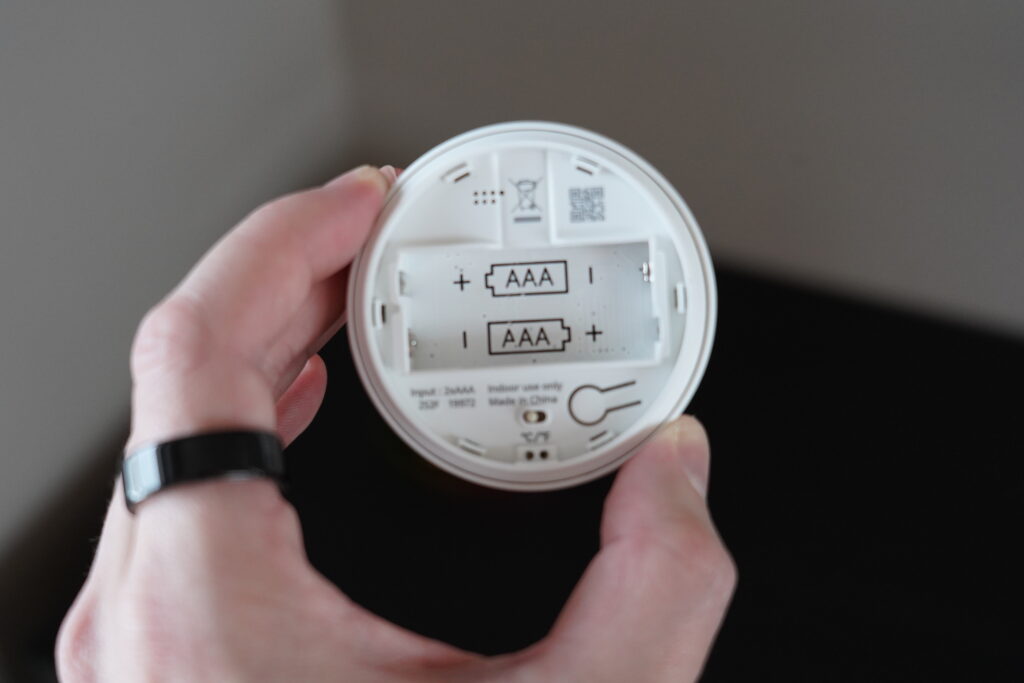
It’s easy! Simply plug it in, download the IKEA Home Smart app, and scan the QR code. It takes just two minutes.
Adding Devices
Most devices paired instantly. The first two bulbs? No issues. The sensors? Motion, temperature, and leak sensors all connected on the first try. But of course, not everything was perfect.
The Bulb That Wouldn’t Pair
One bulb refused to add.
The fix:
- Turn the bulb off and on six times rapidly
- Wait for it to blink (pairing mode)
- Reboot the DIRIGERA hub
- Try again
Connected instantly.
The Door Sensor From Hell
The door and window sensor failed repeatedly. Timeouts. Spinning wheel. Nothing.
Here’s the fix that finally worked:
- Unplug the DIRIGERA hub
- Wait 10 seconds
- Plug it back in and wait for a full boot
- Factory reset the sensor (hold pairing button for 10 seconds)
- Try again
Paired immediately.
Pro tip: If a device won’t pair, reset the device and reboot the hub. It saves a ton of frustration.
First Impressions After Setup
Overall, I’m impressed.
- Build quality is solid
- Setup is straightforward once you know the reset trick
- The app is clean and minimal
- Everything responds quickly
Even with troubleshooting, the entire setup took about 30 minutes. That’s completely reasonable, especially for a first‑time smart home.
The Real Test Comes Next
Right now, everything works. Lights turn on. Sensors report correctly. Automations trigger. But unboxing is the easy part. The real question is:
- Do sensors stay reliable over time?
- Do automations trigger consistently?
- Does anything randomly drop offline after a week?
That’s where cheap smart home gear usually falls apart.
What’s Next
I’m going to live with this setup for two full weeks. Daily automations. Real use. Edge cases.
In the next video, I’ll break down:
- Long‑term reliability
- Automation consistency
- App stability
- Whether this system actually holds up
If you want to see how it performs in the real world, keep an eye out for that follow‑up. And if you already use IKEA smart home gear, I’d love to hear your experience.
Unboxing impressed me, but real‑world use is where this setup earns (or loses) its place.
Similar Articles