 Back to Blog
 IKEA’s $10 Smart Sensors Are Surprisingly Good: What You Choose is What Makes (or Breaks) Them
For around ten dollars, IKEA’s latest lineup of smart home sensors delivers accuracy, reliability, and responsiveness that rivals sensors costing four times as much. In isolation, they’re some of the best-value smart home hardware on the market right now.
But the IKEA app barely scratches the surface of what these sensors can actually do.
After several weeks of real-world testing across multiple platforms, one thing became very clear: the hardware isn’t the limitation. The platform you connect these sensors to determines whether they feel “fine” or genuinely smart.
This post breaks down what I learned after running IKEA’s new Matter-over-Thread devices on six different smart home platforms, including where each one shines, where it falls apart, and which setups unlock the most potential.
You Don’t Actually Need the IKEA Dirigera Hub (Most of the Time)
A common misconception is that IKEA’s new devices require the Dirigera hub to function at all. But new IKEA sensors are Matter over Thread devices. So, they only need two things:
- A Thread network
- A Matter controller
The good news is that most modern Thread border routers are also Matter controllers. Devices like Apple TV 4K, HomePod mini, Google Nest Hub, SmartThings hubs, and Homey Pro already do both. If you own one of these, IKEA devices can pair directly, and you don’t need a Dirigera hub.
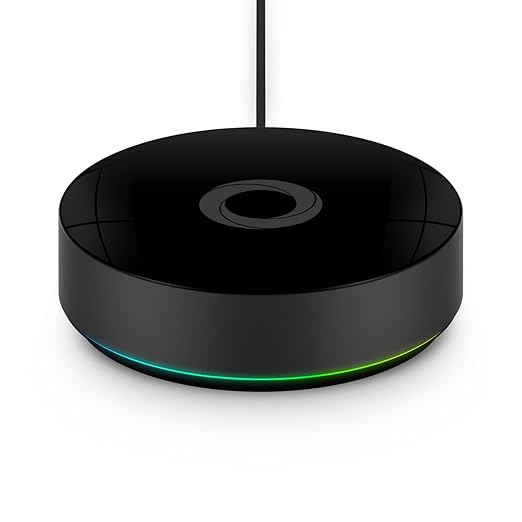
Many people have already been running IKEA sensors for months using only an Apple TV 4K or similar device, with no stability issues at all.
When Do You Need Dirigera?
The Dirigera hub is only necessary if:
- You want to use the IKEA Home app
- You need to migrate older Zigbee Trådfri devices
- You don’t already have a Thread border router
If you don’t need the IKEA app, you don’t need the IKEA hub.
Running IKEA Sensors on Homey Pro
For the bulk of testing, every IKEA device was paired directly to Homey Pro, without Dirigera involved at all.
Setup was pretty straightforward:
- Open the Homey app
- Add a new device
- Select Matter
- Scan the QR code
Pairing was instant. No dropouts. No retries. Everything ran locally, without cloud dependency.
Automations the IKEA App Can’t Do
Door Security That Actually Makes Sense
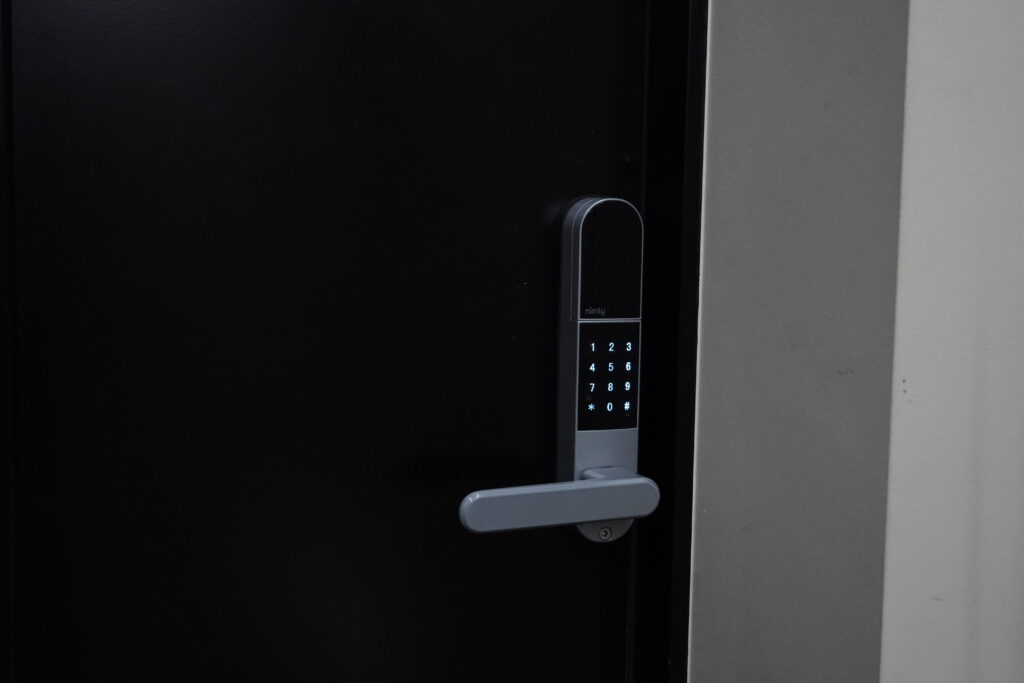
With an IKEA door sensor and a smart lock, you can:
- Leave the house with the door closed → it locks automatically
- Leave the door open → you get notified
- Arrive home → the door unlocks as you approach
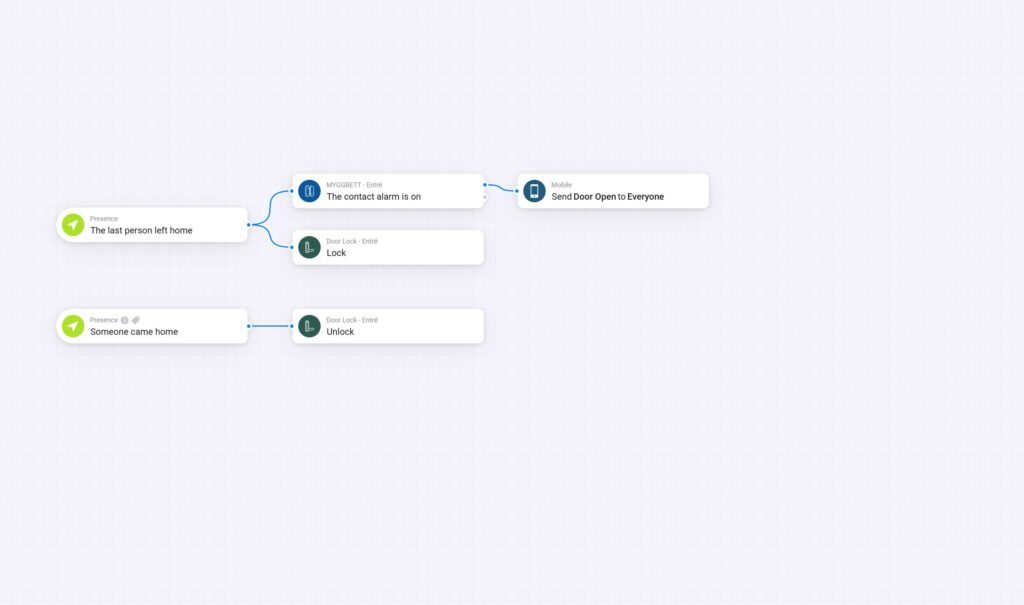
This integrates sensors, presence detection, and logic, all handled locally. To make this work reliably, you’ll need a compatible smart lock for automations.
The Completely Brilliant Automation
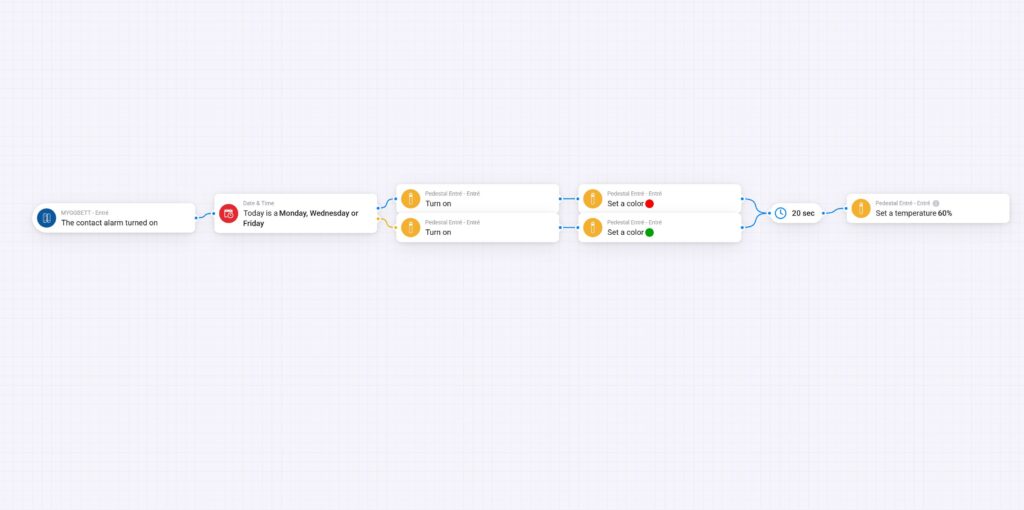
On work-from-home days, opening the front door triggers hallway lights:
- Red means a meeting is in progress. Stay quiet.
- Green means it’s safe to make noise.
It’s a simple idea, but it works surprisingly well. Since setting it up, I haven’t accidentally interrupted a meeting once.
Multi-Sensor Automations: Where Cheap Hardware Shines
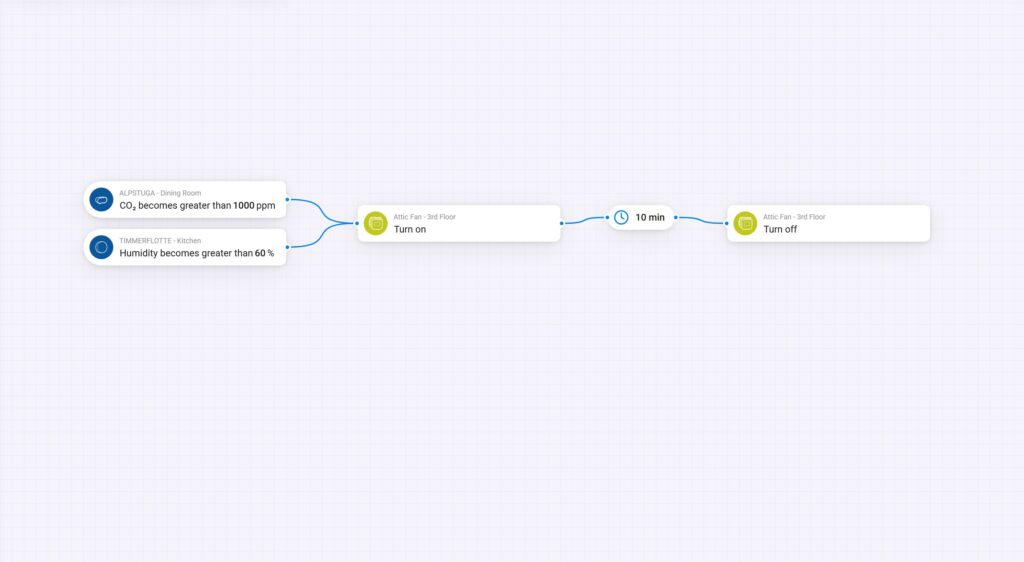
One of the biggest eye-openers was combining sensors. An IKEA humidity sensor plus a CO₂ sensor now control an attic fan automatically, triggered by either condition, not just one.
That’s the difference between basic automation and systems thinking. The sensors are just data. The platform decides what’s possible.
How IKEA Sensors Perform Across Major Platforms
Home Assistant: Maximum Power, Maximum Responsibility
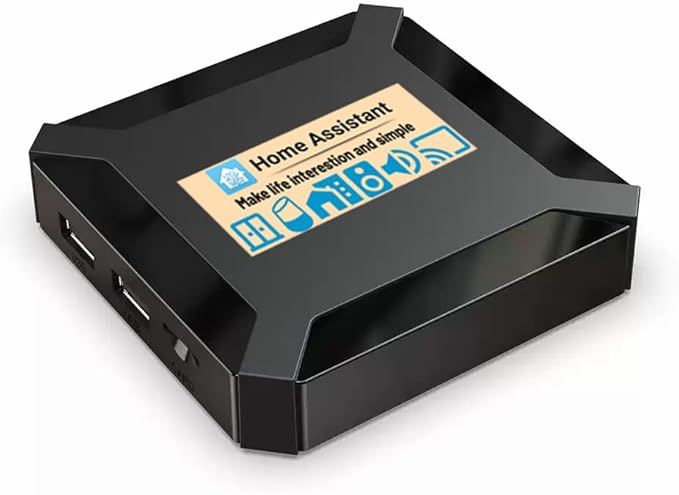
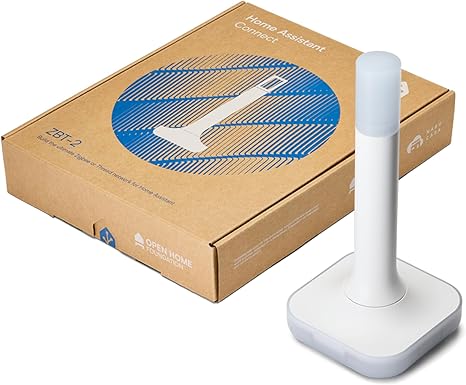
Home Assistant is the most powerful option by far. It’s completely free, open source, and used by millions of people worldwide. Home Assistant gives you full local control, supports Zigbee, Matter, and Thread, and lets you build automations that go far beyond what most commercial hubs allow. Custom dashboards, complex logic, energy monitoring, and deep device integrations are all possible.
But that power does come with a tradeoff. Because Home Assistant moves fast, updates can occasionally break things. Users sometimes report that sensors stop reporting data, remotes behave incorrectly, or devices need to be reconfigured after an update. Fixes often involve editing configuration files, rolling back to a previous version, or waiting for patches.
If you’re comfortable troubleshooting and enjoy tweaking your setup, this usually isn’t a problem. If you want a system that never needs attention, it can be frustrating.
Verdict:
⭐ 10/10 for tinkerers
⚠️ Not set-and-forget
Useful gear:
Apple HomeKit: Simple, Polished, Improving Fast
IKEA’s Matter devices pair natively with HomeKit. Automation is better than IKEA’s app, but not as deep as Homey or Home Assistant. The real advantage is Apple’s early support for Thread 1.4, which solves many multi-brand Thread issues.
Until recently, firmware updates for IKEA devices required the IKEA Home app. However, many users are now reporting that firmware updates are starting to appear directly in Apple HomeKit. This isn’t officially documented by IKEA yet, but if it continues, it would remove one of the remaining reasons to keep the IKEA app installed for HomeKit users.
Verdict:
⭐ 9/10 with Dirigera
⭐ 6/10 direct Matter only
⭐9/10 with updates via Homekit
Google Home: Functional, But Cloud-Dependent
Google Home can pair IKEA’s Matter devices over Thread using compatible hardware like the Nest Hub or Nest WiFi Pro. However, automation options are limited compared to platforms like Homey or Home Assistant. Google Home also remains cloud-dependent, meaning an internet connection is required even for Thread-based devices.
Google Home is still running Thread 1.3, which can cause fragmented Thread networks in multi-brand setups. Thread 1.4 support is planned, but no timeline has been confirmed.
Verdict:
⭐ 6/10
Amazon Alexa: Familiar, Limited
Amazon Alexa can pair IKEA’s Matter devices over Thread when used with compatible hardware, such as the Alexa Echo Dot with Thread support. Voice control is reliable, and basic routines based on time or sensor triggers work well.
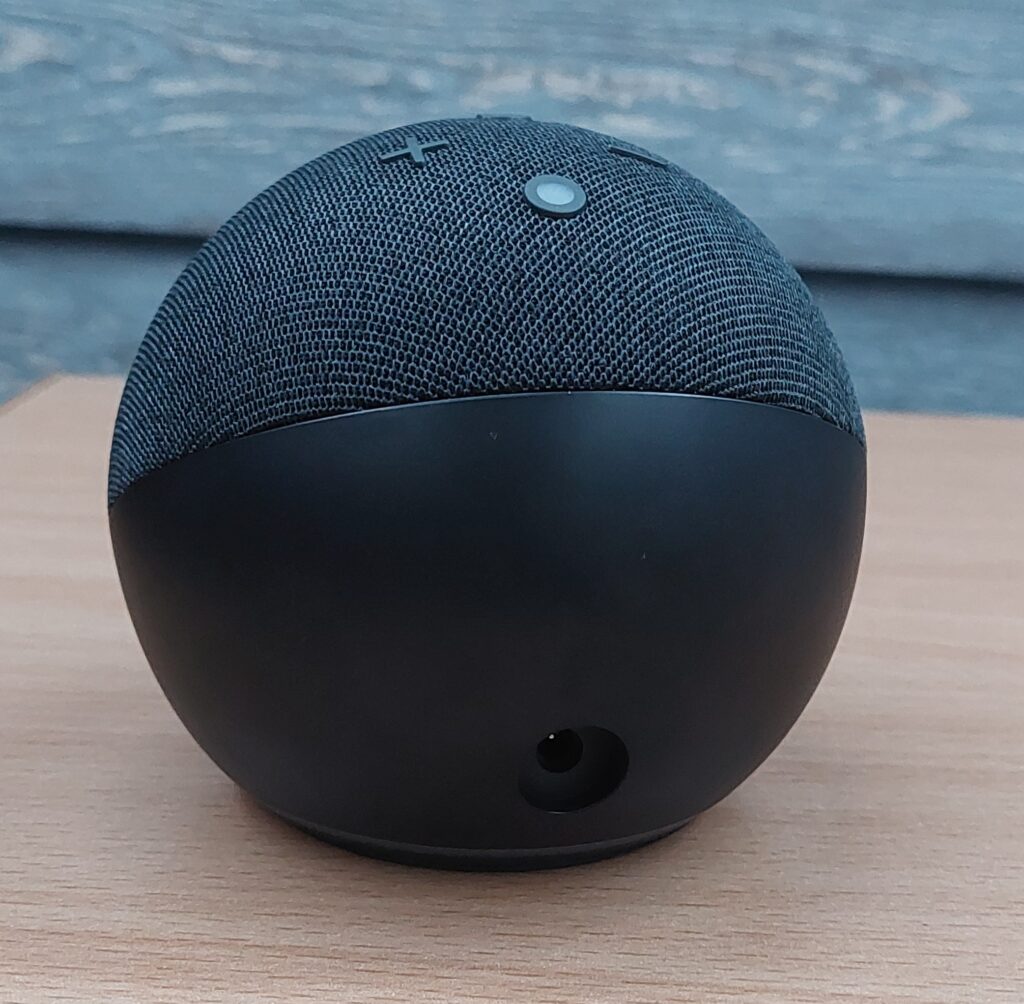
However, Alexa remains cloud-dependent, even for Thread devices, and automation options are limited compared to platforms like Homey or Home Assistant. Thread 1.4 support has been announced, but has not rolled out yet.
Verdict:
⭐ 6/10
Aqara M3 Hub: Great Value with Quirks
Pairing IKEA’s new Matter devices with the Aqara M3 Hub worked reliably in testing, and once connected, the devices remained stable.
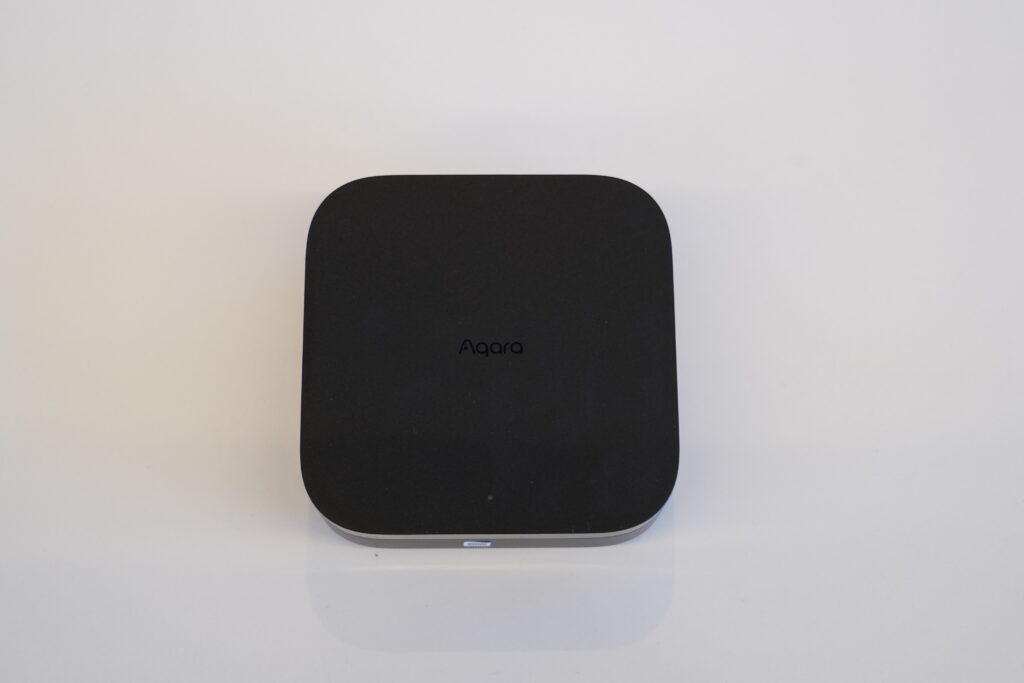
One small quirk is that battery-powered sensors can go to sleep during pairing, so you may need to keep pressing the pairing button until setup finishes.
It’s also worth noting that older Zigbee-based IKEA devices won’t work here, as Aqara’s Zigbee network is limited to Aqara hardware. Overall, it’s a solid choice for Matter-only setups.
Verdict:
⭐ Solid for Matter-only setups
Which Platform Should You Choose?
IKEA’s new smart home hardware is genuinely excellent. But the platform you choose determines whether those $10 sensors feel basic or brilliant.
- Love tinkering? Home Assistant
- All-in on Apple? HomeKit (ideally with Dirigera)
- Want power without hassle? Homey Pro
- Voice-first setup? Google Home or Alexa
- Best value hub? Aqara M3
If you want the best balance of power, stability, and ease of use, Homey Pro stood out as the most reliable overall. If you want more power than the IKEA app can offer, switching platforms changes everything.
Recommended gear:
Similar Articles