 Back to Blog
 Do You Think It’s Possible to Build a Complete IKEA Smart Home for Under $150?
Do You Think It’s Possible to Build a Complete Smart Home for Under $150: The 2025 Budget Guide
IKEA’s new Matter-compatible lineup just changed everything. Here are four proven setups—from $146 to $249—that deliver real automation without subscription traps.
Picture this: It’s 2 AM. You hear a noise downstairs. Your heart races as you grab your phone—and instantly see your entire home light up on screen. Every room. Every entry point.
Then you spot it: your cat knocking over a plant.
Crisis averted. Two taps, and everything goes back to sleep. Including you.
That scenario doesn’t require a $5,000 professionally installed system. It costs $148.
Here’s the reality: Building a real smart home on a budget is no longer a pipe dream. Today, I’m breaking down exactly how to accomplish it—no expensive integrators, no subscription nightmares, just technology that actually works.
Why 2025 Is the Year to Finally Go Smart
If you’ve been hesitant about smart home technology, the reasons are understandable. The cost seemed prohibitive. The setup appeared overly complicated. Plus, you’d be locked into one company’s ecosystem with no flexibility.
But that situation has fundamentally changed.
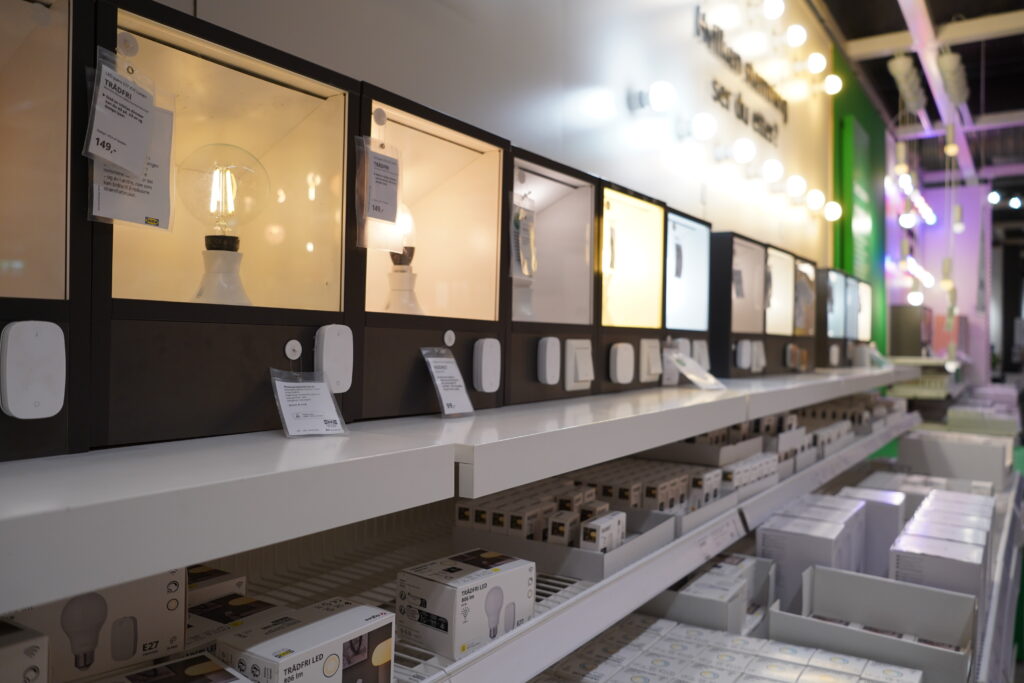
IKEA recently launched 21 new Matter-compatible smart home devices that disrupted the market completely. Motion sensors now cost just $9. Color-changing bulbs run $5. Most importantly, they work with everything—Apple HomeKit, Google Home, Amazon Alexa, Samsung SmartThings.
What is Matter?
It’s the universal smart home standard that finally delivers on the promise of true cross-platform compatibility. These devices work with any ecosystem you choose. You’re never locked into a single brand. This matters because it means your investment stays flexible as technology evolves.
The New Price Reality
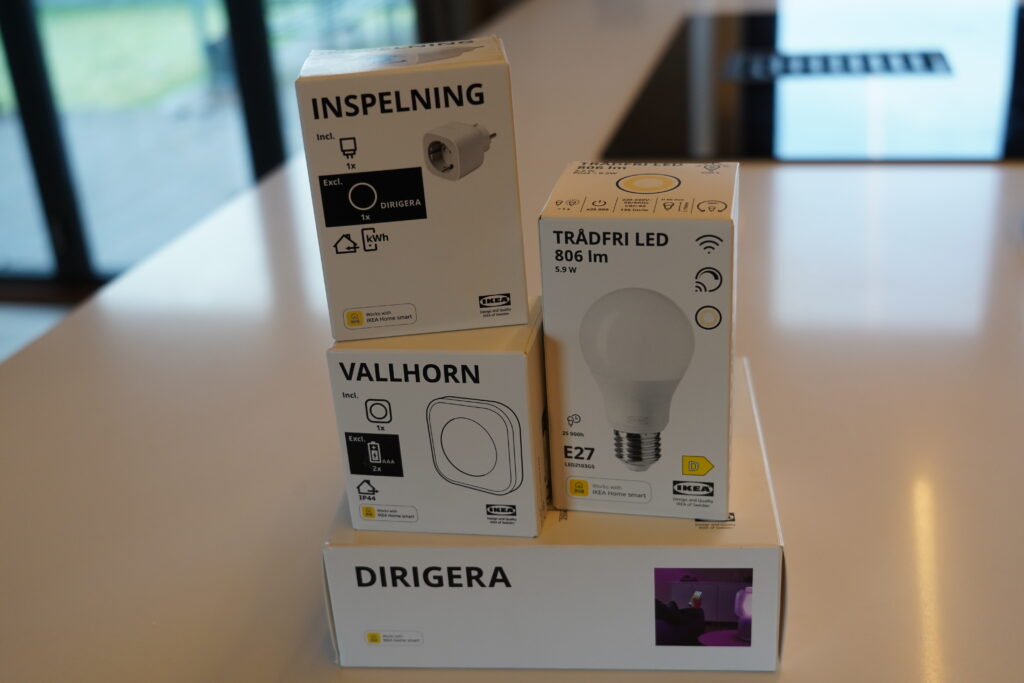
| Product Type | IKEA Price | Premium Brand Price |
|---|---|---|
| Color Smart Bulb | $5–12 | $50–60 |
| Motion Sensor | $9 | $30–40 |
| Door/Window Sensor | $9 | $25–35 |
| Smart Plug (2-pack) | $18 | $40–50 |
The comparison above tells the complete story. The price gap has narrowed dramatically. Now let’s explore four specific configurations that deliver real results.
Option 1: Complete Smart Home Under $150 (IKEA Only)
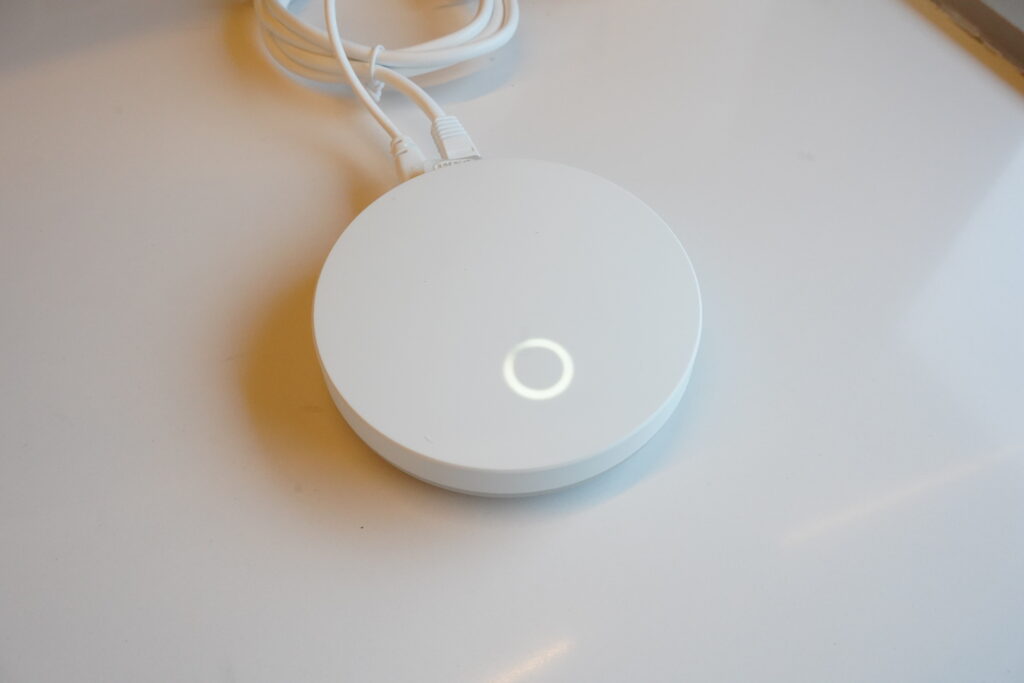
Consider this your foundation. This is the proof of concept that automation works. You’ll have a complete, functional smart home ecosystem for the price of a basic router.
What You Get
| Item | Price |
|---|---|
| IKEA DIRIGERA Hub | $70 |
| KAJPLATS E27 Color Bulbs (4-pack) | $40 |
| MYGGSPRAY Motion Sensor | $9 |
| MYGGBETT Door/Window Sensor | $9 |
| GRILLPLATS Smart Plugs (2-pack) | $18 |
| Total | $146 |
What This System Actually Does
Automated Lighting: When your motion sensor detects someone entering the living room, the KAJPLATS bulbs instantly activate at 50% brightness. After three minutes of no movement, they turn off automatically. Result: No more forgotten lights wasting electricity.
Scheduled Appliances: Program your smart plugs to turn on the coffee maker at 7 AM. Now your coffee is brewing when you wake up. Similarly, you can schedule other devices around your daily routine.
Security Alerts: If a door or window opens unexpectedly, the sensor notifies you instantly. This proves especially valuable at 3 AM. Additionally, you can turn on lights remotely to deter intruders before they realize anyone’s home.
Scene Control: Create presets for different moments. “Morning” activates lights at sunrise brightness. “Movie Time” dims everything to 10%. “Good Night” shuts it all down.
Remote Access: From anywhere in the world, you control everything through the IKEA Home Smart app.
How the Technology Works
All IKEA products communicate via Zigbee protocol and Matter. The mains-powered devices (bulbs and plugs) create a mesh network that strengthens as you add more devices. In essence, your network literally improves as you expand it. This means early devices actually work better once you add more components.
Setup Time: 15 Minutes
- Download the IKEA Home Smart app
- Plug in the DIRIGERA hub and connect to Wi-Fi (the app guides you through this in about two minutes)
- Scan the QR code on each device—they pair automatically
- Install bulbs in your fixtures
- Create your first automation by selecting your motion sensor, choosing which lights respond, and setting the brightness level
That’s it. You have a working smart home.
Option 2: Add Voice Control & Security — $213
I recommend this configuration most often. It combines IKEA’s affordable ecosystem with proven performers that genuinely enhance daily life.
What You Get
| Item | Price |
|---|---|
| IKEA DIRIGERA Hub | $70 |
| IKEA KAJPLATS Bulbs (4-pack) | $40 |
| IKEA MYGGSPRAY Motion Sensor | $9 |
| IKEA GRILLPLATS Smart Plugs (2-pack) | $18 |
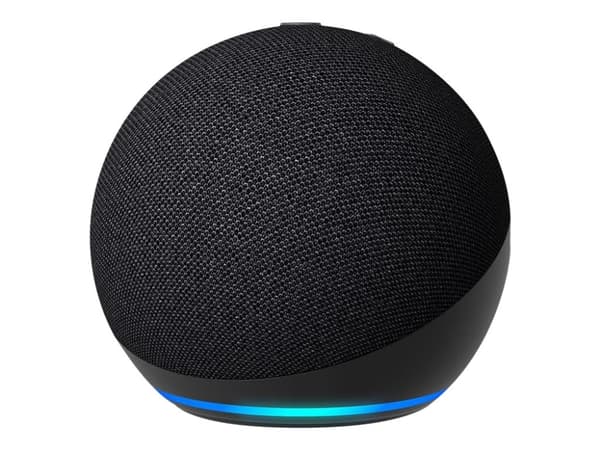
| Amazon Echo Dot | $40 |
| Wyze Cam v4 | $36 |
| Total | $213 |
What You Gain
Everything from Option 1, plus the following:
Voice Control: Simply say “Alexa, turn on living room lights” or “Alexa, dim the bedroom to 30%” or “Alexa, activate Movie Time.” These natural voice commands work for every device without lifting a finger.
Security Monitoring: The Wyze Cam delivers impressive performance with 2.5K video, color night vision, automatic person detection, and 14 days of free cloud storage. Whether you position it at your front door, backyard, or garage, you’ll have visibility wherever you need it.
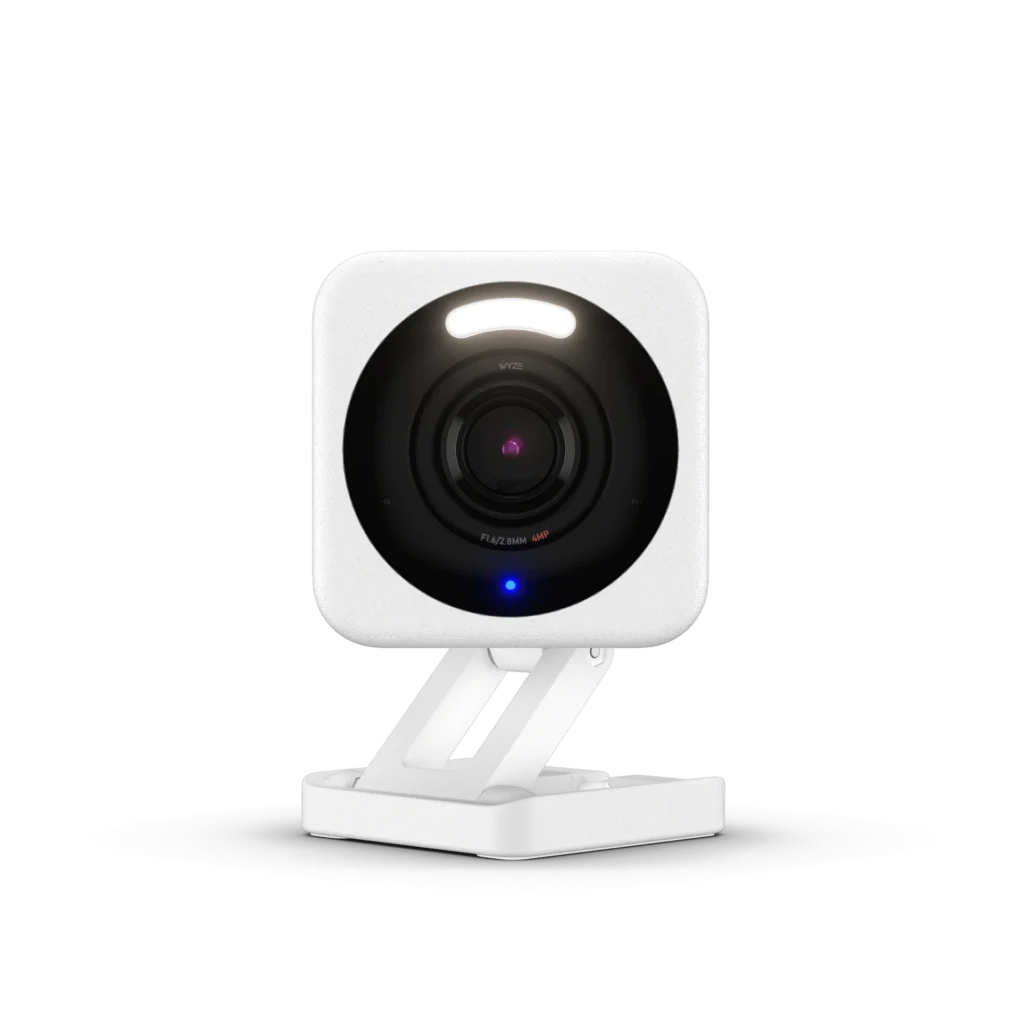
Cross-Platform Automation: With a Cam Plus subscription ($2/month), the system becomes even smarter. Person detection can trigger your IKEA lights. Someone approaches your front door at night? The result is automatic—porch lights activate instantly.
Setup Time: 30 Minutes
- Complete the full IKEA setup from Option 1
- Download the Alexa app and connect the Echo Dot to Wi-Fi
- In Alexa, enable the “IKEA Home Smart” skill and tap “Discover Devices”
- Enable the Wyze skill in Alexa
- Download the Wyze app and add your camera by scanning its QR code
- Create an Alexa routine so Wyze person detection triggers IKEA lights
For $213, you have voice control, motion automation, security monitoring, and complete flexibility.
Option 3: Professional-Grade Sensors & Climate Control — $249
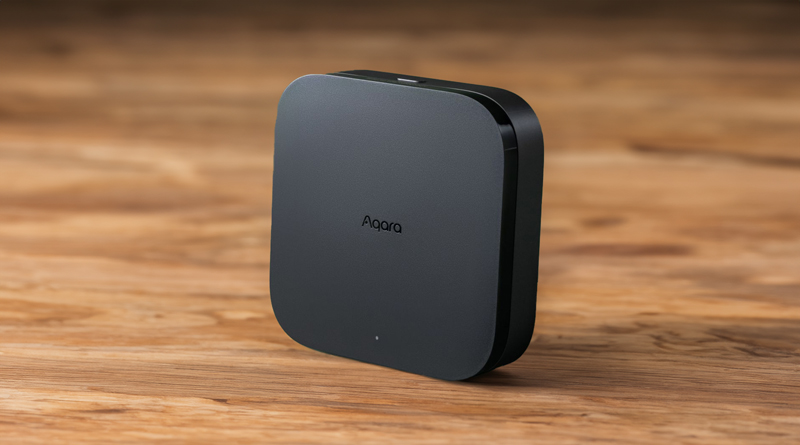
This setup serves three specific situations: You have fixed LED downlights built into ceilings or walls that aren’t replaceable bulbs. Or alternatively, you want the fastest, most reliable sensors available. Finally, you want the option to add smart heating thermostats later.
What You Get
| Item | Price |
|---|---|
| Amazon Echo Dot | $40 |
| Aqara Hub M3 | $60 |
| Aqara Dimmer Switch H2 (2-pack) | $70 |
| Aqara Motion Sensor P1 | $25 |
| Aqara Door/Window Sensor | $18 |
| Wyze Cam v4 | $36 |
| Total | $249 |
Why Aqara?
In-Wall Dimmers for Existing Lights: Aqara’s Dimmer Switch H2 is genuinely transformative for homes with built-in lighting. Rather than replacing bulbs, it replaces your existing light switch (works with or without neutral wiring) and makes your fixed LED lights smart, dimmable, and automatable.
Note: We recommend a certified electrician for installation—typically 15–30 minutes.
Speed: The Aqara Motion Sensor P1 responds in under half a second. When motion is detected, lights activate instantly with zero perceptible lag. The precision is exceptional—fewer false triggers, better detection range.
Future Climate Control: Unlike DIRIGERA, the Aqara ecosystem supports smart radiator thermostats and floor heating controllers. If you anticipate wanting whole-home climate automation, Aqara becomes the better long-term investment.
Alternative Configuration
Prefer smart bulbs over in-wall switches? Simply replace the Dimmer Switch H2 with Aqara LED Bulb T2 ($80–100 for a 4-pack). Same professional quality and response times.
Setup Time: 30–45 Minutes (Plus Electrician)
- Set up the Aqara Hub M3 and add all Aqara devices
- Connect Echo Dot and enable the Aqara skill in Alexa
- Add Wyze Cam through the Wyze app and Alexa skill
- Create cross-platform automations through Alexa routines
Option 4: Premium Light Quality — $184
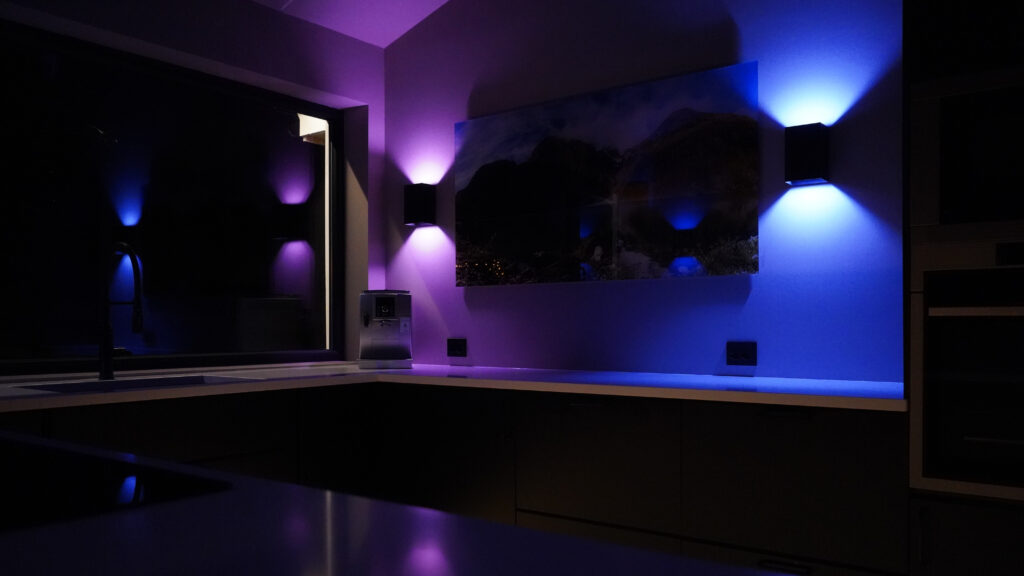
This configuration is designed for a specific audience: people who want the best possible light quality while staying within the IKEA ecosystem.
What You Get
| Item | Price |
|---|---|
| IKEA DIRIGERA Hub | $70 |
| Linkind Matter Wi-Fi Bulbs (4-pack RGBTW) | $20 |
| IKEA MYGGSPRAY Motion Sensor | $9 |
| IKEA MYGGBETT Door/Window Sensor | $9 |
| Amazon Echo Dot | $40 |
| Wyze Cam v4 | $36 |
| Total | $184 |
Why Upgrade the Bulbs?
Color Accuracy: Linkind bulbs offer CRI (Color Rendering Index) above 90. This means colors appear natural and true-to-life under their light. Standard smart bulbs typically score only 80–85.
Temperature Range: These bulbs offer tunable whites from warm 1800K (candlelight) to cool 6500K (daylight), plus 16+ million color options. Such versatility opens up countless possibilities.
Reliability: The dual Wi-Fi and Bluetooth connectivity ensures resilience. They reconnect in under 5 seconds after power outages.
Seamless Integration: These work directly with the DIRIGERA hub via Matter—no separate bridge required. Add them in the IKEA app as a Matter device, and they integrate with your sensors and automations.
If you’re filming content at home or doing photography, premium Matter bulbs deliver significantly better color rendering than standard options at a fraction of Philips Hue pricing.
Note on Philips Hue
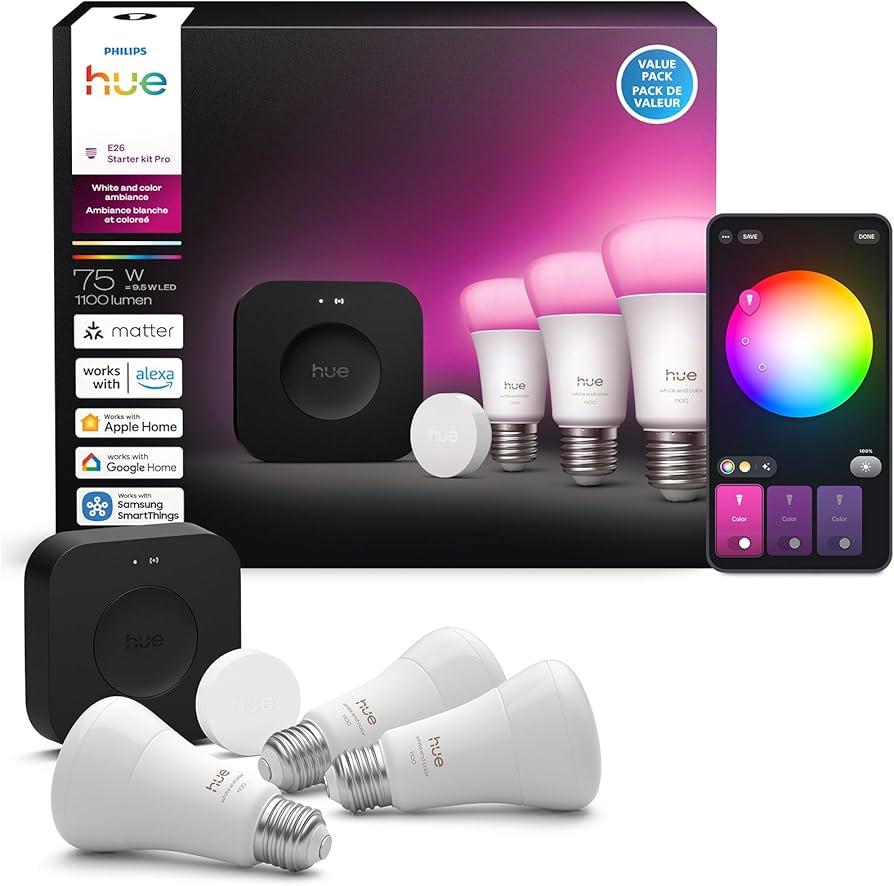
You can use Philips Hue bulbs with DIRIGERA, but they require a Hue Bridge for initial firmware updates to enable Matter support. Once updated, you can reset the bulb and add it via the IKEA app. For true plug-and-play simplicity, Linkind remains the recommended choice.
Critical Compatibility Guide: What Works With What
Before purchasing, it’s essential to understand how these ecosystems interact.
IKEA DIRIGERA Hub Works With:
✅ All IKEA smart products (Zigbee and Matter)
✅ Third-party Matter devices (Linkind, updated Philips Hue)
✅ Amazon Alexa (via IKEA Home Smart skill)
✅ Google Home (via IKEA Home Smart integration)
✅ Apple HomeKit (via Thread/Matter)
Wyze Devices (Wi-Fi Only) Work With:
✅ Wyze app
✅ Alexa and Google Home
✅ Alexa routines (person detection triggers with Cam Plus)
❌ NOT directly with DIRIGERA—control through Alexa as a bridge
Aqara Hub Works With:
✅ Aqara-branded Zigbee devices only
✅ Alexa and Google Home (via Aqara skill)
✅ Apple HomeKit (compatible models)
❌ NOT with DIRIGERA—separate Zigbee network
❌ NOT with third-party Zigbee devices
The Golden Rule
Choose ONE hub as your primary controller for each network. Either IKEA DIRIGERA, Aqara Hub, or Amazon Echo’s built-in Zigbee. Then add Wi-Fi devices through voice assistant automations. Mixing Zigbee hubs creates network conflicts you’ll want to avoid.
Quick Decision Guide
| Choose This | If You Want |
|---|---|
| Option 1 ($146) | To prove smart home automation works before investing more |
| Option 2 ($213) | The best all-around value: automation + voice + security |
| Option 3 ($249) | Professional sensors, in-wall controls for fixed LEDs, or future climate control |
| Option 4 ($184) | Premium light quality for content creation or photography |
Money-Saving Tips
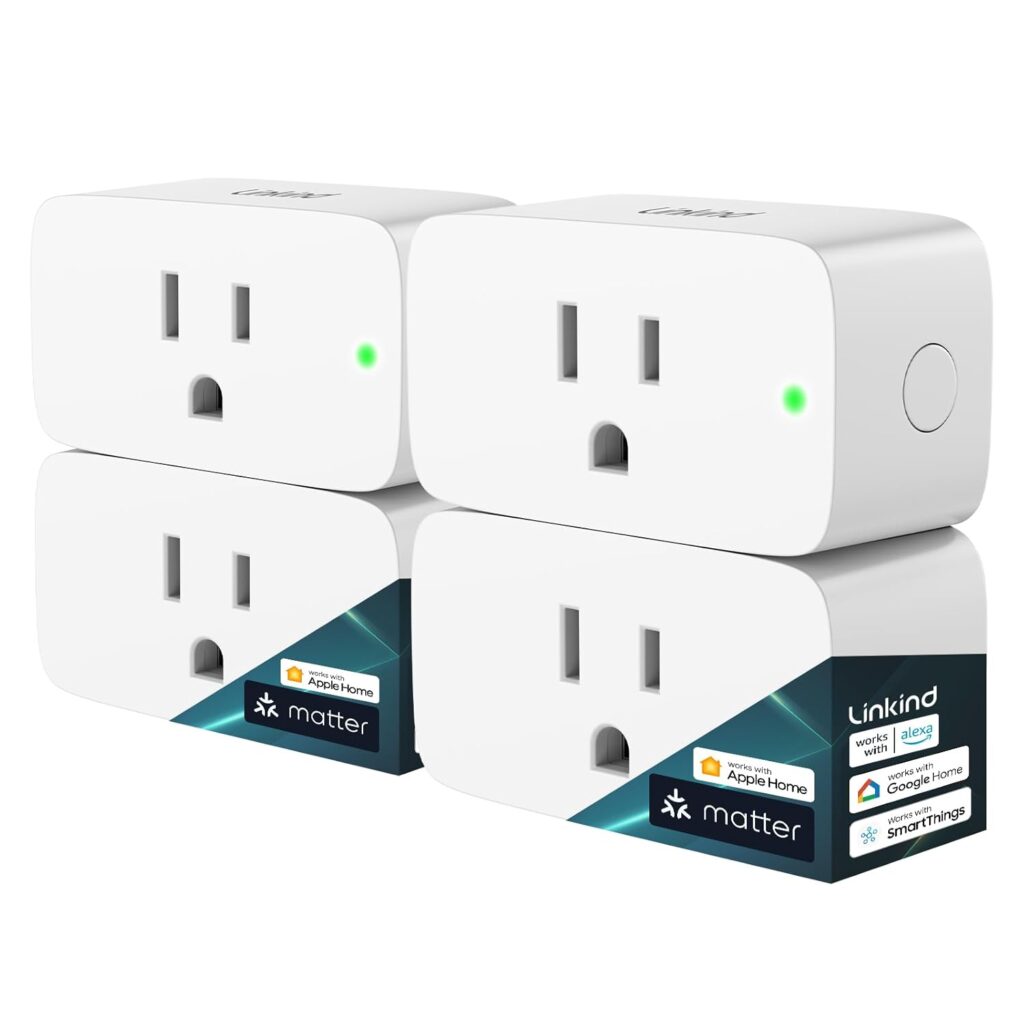
Buy multipacks rather than single items. A single smart bulb might cost $10, but a 4-pack often runs $30–40. That brings the per-bulb cost down to $7.50–10 instead of $10–12.
Start small and expand gradually. You might assume you need 10 smart bulbs, but four in key locations often do the job perfectly. Grow your system based on what you actually use rather than what you initially imagine needing.
Skip subscriptions where possible. The core IKEA and Aqara systems work without monthly fees. Wyze’s Cam Plus ($2/month) is optional—you still get 14 days of free cloud storage without it.
Availability Note
IKEA’s new KAJPLATS bulbs and sensors are launching in January 2026 in the US, with bulbs arriving April 2026. The DIRIGERA hub and many existing IKEA smart products are available now.
The Bottom Line
Building a functional smart home for under $150 isn’t just possible—it’s straightforward. IKEA’s Matter-compatible lineup, Aqara’s professional-grade sensors, and budget options like Wyze and Linkind have made smart home technology genuinely accessible.
Start with Option 1. Prove to yourself that automation improves daily life. Then expand based on what you actually use.
The best smart home is the one you interact with regularly. Start small, learn the technology, and grow from there.
Which setup matches your needs? Drop a comment below—I’d love to hear what you’re building.
Similar Articles